/
Marketing Tips
Facebook Ad Image Sizes & Best Practices for 2026
Complete guide to Facebook ad image sizes in 2026. News Feed, Stories, Carousel, Marketplace — every dimension you need plus design best practices.
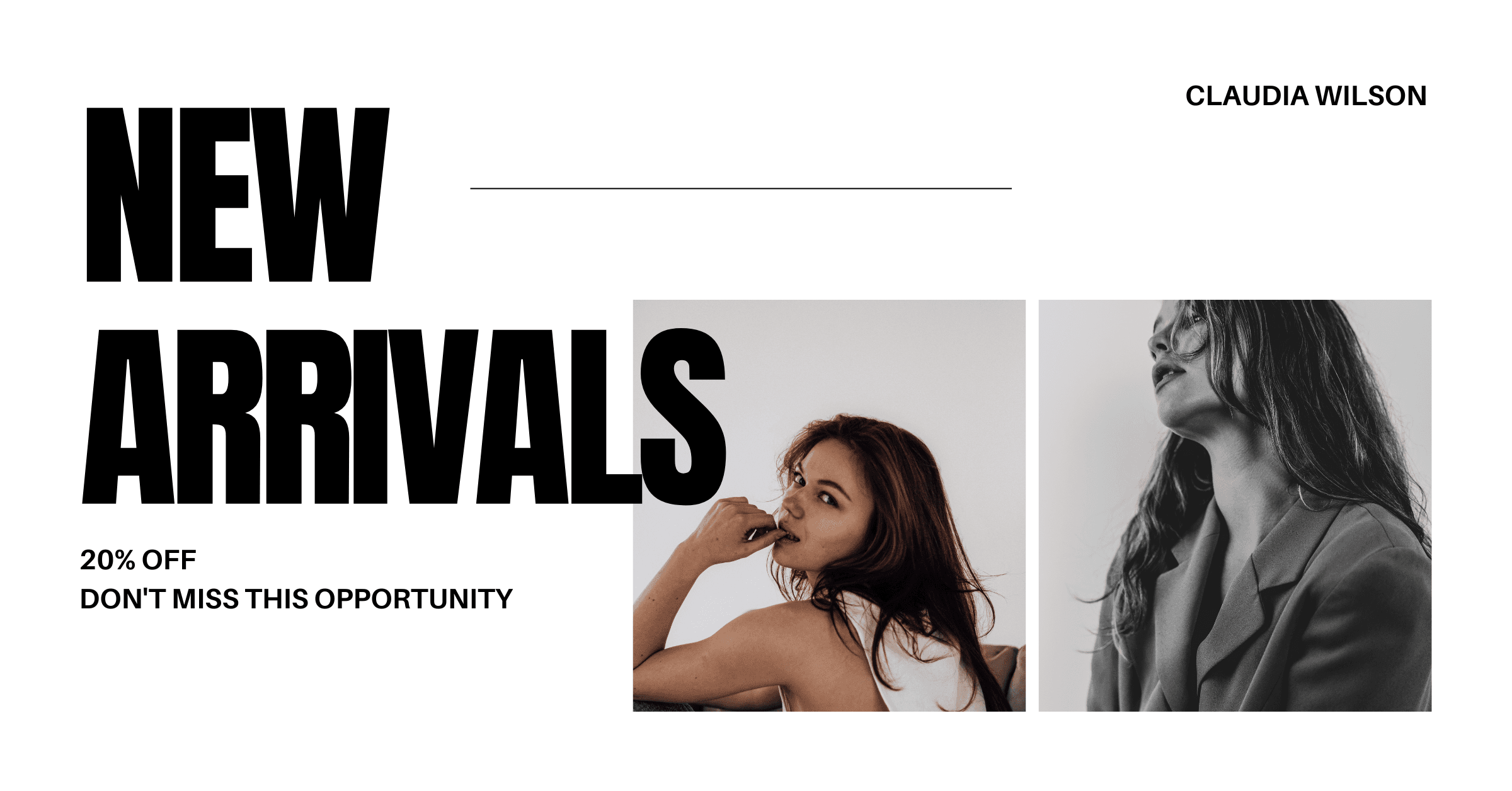
Facebook Ad Image Sizes & Best Practices for 2026
Getting your Facebook ad image sizes right is the difference between a scroll-stopping creative and one that gets cropped, stretched, or ignored. Facebook's ad platform serves images across dozens of placements — News Feed, Stories, Marketplace, right column, and the Audience Network — and each placement has its own optimal dimensions. In 2026, with Meta's continued push toward AI-driven placements via Advantage+, having correctly sized images for every format matters more than ever.
The Essential Facebook Ad Image Sizes
News Feed (Single Image Ad) The most common placement and typically the highest-performing. Use 1200×628 pixels with an aspect ratio of 1.91:1. This size works across both desktop and mobile News Feed placements. Keep your key visual elements in the center 80% of the frame, as some placements may crop edges slightly.
Facebook Stories Vertical format at 1080×1920 pixels (9:16 aspect ratio). Stories take up the full screen on mobile, making them incredibly immersive. Design with the top and bottom 14% as safe zones — Facebook overlays the profile picture and CTA button in those areas.
Carousel Ads Each card should be 1080×1080 pixels (1:1 square). Consistency across cards matters — use the same visual style, color palette, and text placement so the carousel feels cohesive as users swipe through.
Marketplace Ads Square format at 1200×1200 pixels works best here. Marketplace users are in a buying mindset, so product-focused imagery with clean backgrounds tends to perform better than lifestyle shots.
Right Column (Desktop Only) A smaller placement at 1200×628 pixels that appears on the right side of desktop News Feed. Images are displayed quite small, so bold visuals with minimal detail work best.
Image Quality Best Practices
Use PNG for graphics, JPG for photos. If your ad creative contains text overlays, flat colors, or illustrations, PNG preserves crisp edges. For photographic content, JPG at 85%+ quality keeps file sizes manageable without visible compression.
Keep text minimal. While Facebook removed the strict 20% text rule, their algorithm still deprioritizes ad images with heavy text overlays. Let the visual do the work and save detailed copy for the headline and description fields.
Design for mobile first. Over 98% of Facebook users access the platform on mobile devices. Your ad image needs to communicate its message on a 6-inch screen. That means high contrast, clear focal points, and simple compositions.
How AI Changes the Game
Tools like The Image Generator eliminate the guesswork from Facebook ad creation. Instead of manually designing images at specific pixel dimensions, you select a Facebook Ad template and the AI automatically generates your image at the correct size. Describe your promotion — "summer sale, bright colors, outdoor furniture" — and get a professional ad creative in seconds.
The built-in prompt enhancement powered by Claude AI ensures your description becomes a detailed visual prompt optimized for DALL-E 3 image generation. The result is a polished, professional-quality ad creative without touching Photoshop or Canva.
Testing Multiple Creatives
The biggest advantage of AI-generated ad creatives is the ability to test at scale. Facebook's own recommendation is to test 3-5 creative variations per ad set. With The Image Generator, producing five unique variations of your ad takes under a minute. Upload all five, let Facebook's algorithm find the winner, and scale your budget behind the top performer.
Quick Reference Cheat Sheet
| Placement | Recommended Size | Aspect Ratio |
|---|---|---|
| News Feed | 1200×628 | 1.91:1 |
| Stories | 1080×1920 | 9:16 |
| Carousel | 1080×1080 | 1:1 |
| Marketplace | 1200×1200 | 1:1 |
| Right Column | 1200×628 | 1.91:1 |
| Video Thumbnail | 1200×675 | 16:9 |
Bookmark this guide and reference it every time you launch a new campaign. Getting the sizes right from the start saves hours of rework and ensures your ads look professional on every device and placement.
Try The Image Generator Free
Create professional marketing visuals with AI. No design skills required. 3 free generations to start.
Start Creating — It's Freefacebook adsad sizesimage dimensionssocial media marketingad creatives2026
Related Posts
Marketing TipsFeb 15, 2026
How to Build a Visual Marketing Strategy That Drives Revenue
A step-by-step framework for building a visual marketing strategy that drives engagement, builds brand recognition, and converts followers into customers.

Marketing TipsFeb 12, 2026
10 Tips for Creating Scroll-Stopping Ad Creatives
Learn the 10 proven design principles that make ad creatives impossible to scroll past — from bold contrast to strategic color psychology.